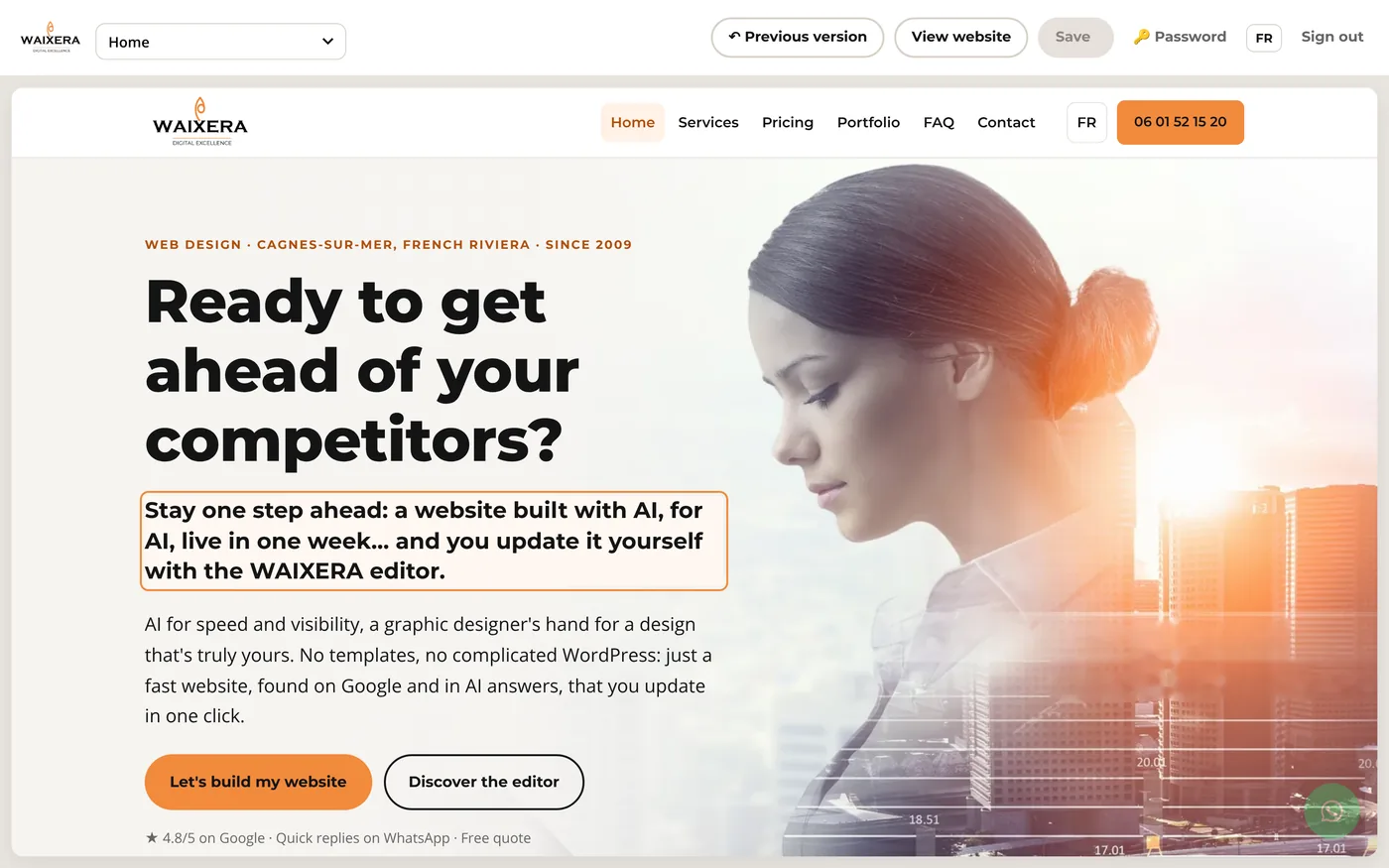
Your text
Headings, paragraphs, lists, FAQ questions and answers, buttons and links. Make a word bold or add a link to your Facebook page: as easy as writing an e-mail.

The WAIXERA editor
New opening hours, a fresh photo, today's special? Click on the text or photo, edit it, save: it's live. No WordPress, no complicated training, no waiting for anyone.
€140 one-off · training included · no subscription
A website that never changes ends up looking neglected… and Google notices too. With the WAIXERA editor, you keep your website up to date yourself, in seconds.
Your website comes with its own editor, designed for one thing only: changing your content, simply, without ever touching the design.
Buy the editorLog in with your password and you see your website exactly as it is. Then:
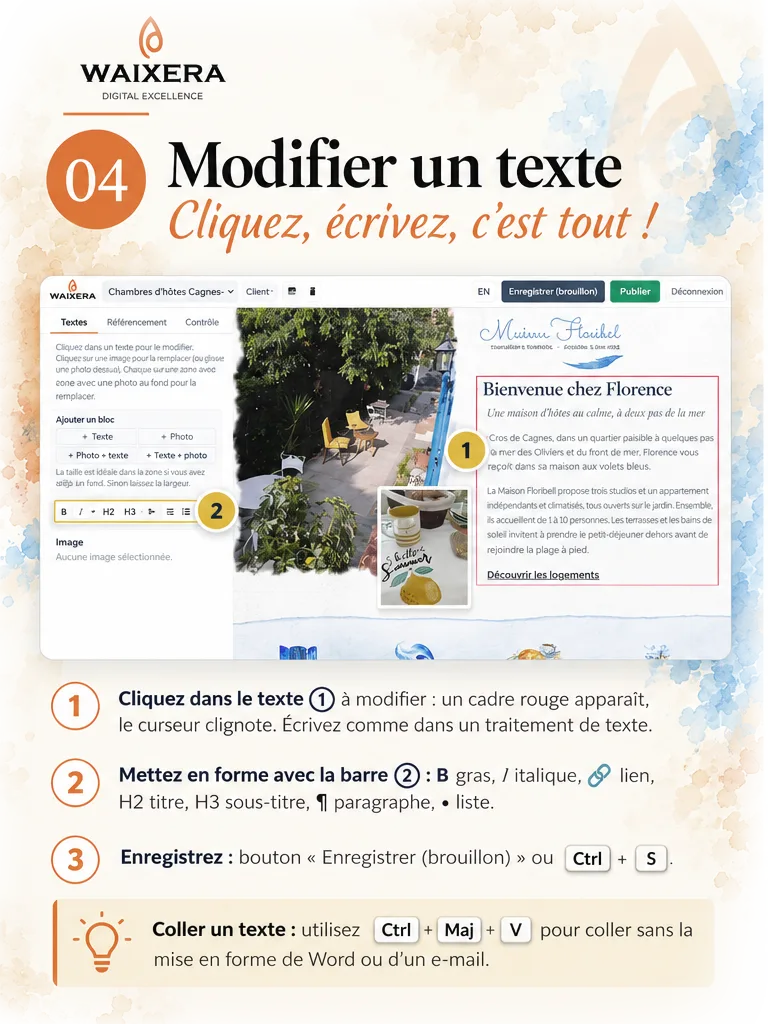
On the text or photo you want to change, right on the page. An orange frame shows you what can be edited.
Type your new text (bold, italics or a link if needed) or pick a new photo from your computer or phone.
One click on “Save” and it's live, right away. Made a mistake? “Previous version” takes you back.
All the content of your website, on every page, in French and in English.
Headings, paragraphs, lists, FAQ questions and answers, buttons and links. Make a word bold or add a link to your Facebook page: as easy as writing an e-mail.
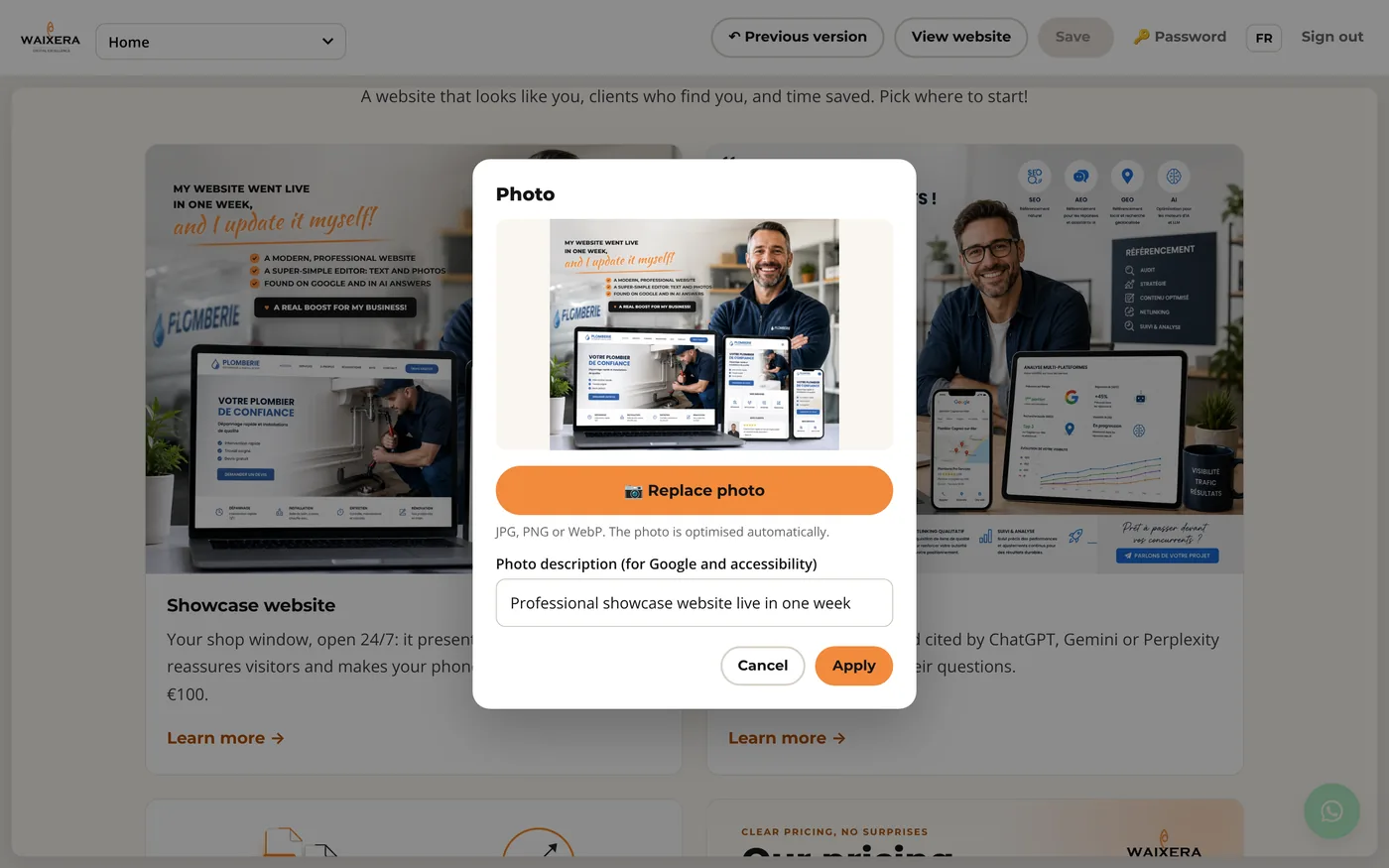
Click on a photo and choose a new one. It is automatically resized and optimised for a fast website, and you add its description for Google.
On site, in your restaurant, in your shop? Open the editor on your phone, take a photo and publish it on your website straight away.
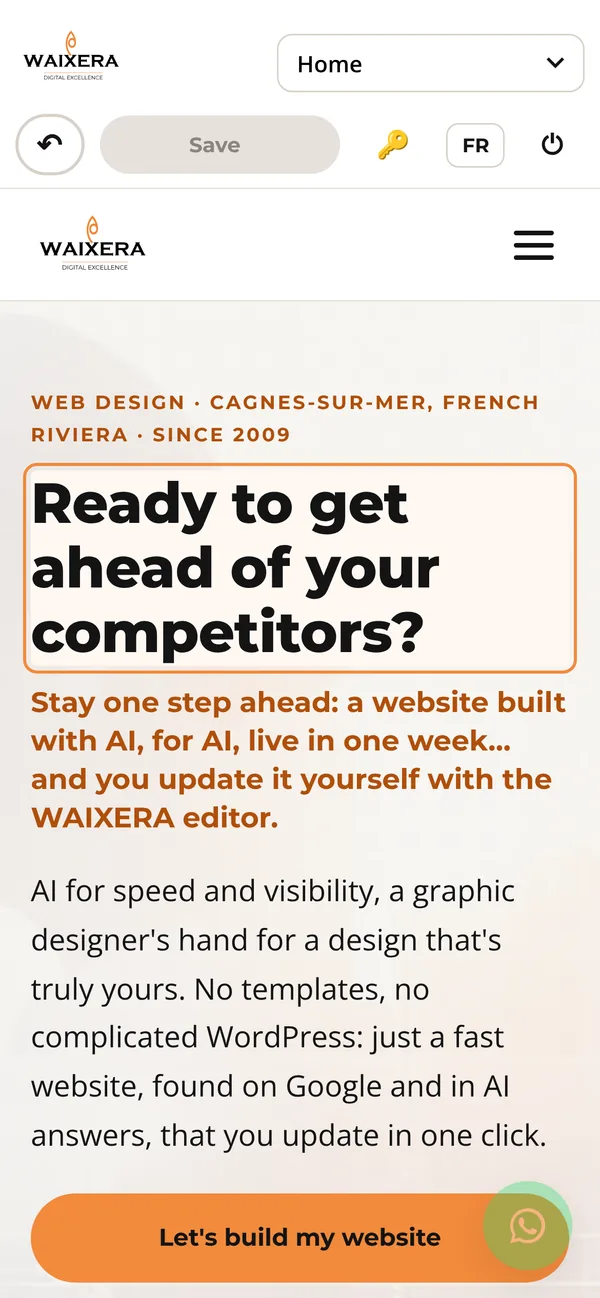
You change the content, never the layout: you can't “break” your website.
The last 20 versions of every page are kept. A mistake? One click and it's fixed.
You choose it and can change it any time. After 5 failed attempts, access is locked for 15 minutes.
Photos are optimised, their descriptions help your SEO, and the FAQ updates the data read by Google and AI assistants.
French and English pages, and the editor itself speaks French or English.
A training session is included, and we answer your questions on WhatsApp.
WordPress is a powerful tool, but often too heavy when you just want to change a photo or your opening hours.
| Classic WordPress | WAIXERA editor | |
|---|---|---|
| Getting started | A rich dashboard to learn | A few minutes, we show you everything |
| Editing text | Find the page and the right block in the admin area | Click right on it |
| Updates, plugins | To keep an eye on regularly | None |
| Risk of breaking the layout | Possible | Impossible: the design is protected |
| Speed and SEO | Depends on theme and plugins | Lightweight website, optimised for Google and AI |
| Going back | Depends on installed plugins | One click, 20 versions per page |
| Cost | Theme, plugins, maintenance | €140 one-off |
The winning combo: your custom showcase website, live in one week, plus the WAIXERA editor to update it yourself. All included, in one single payment.
One-off payment, no subscription. After payment, we contact you to start your website. Domain name and hosting in your name (we'll advise you). VAT not applicable (art. 293 B, French tax code).
A simple price, paid once. And if you'd rather we handle it, we're here too.
You update it yourself
€140
one-off, with your website
We do it for you
€40
per hour
The editor is an option of the AI Visibility Website (€500). They work great together: you make the small changes, we handle the big ones. See all our prices VAT not applicable (art. 293 B, French tax code).

A WhatsApp message, a text or a call, and we'll show you the editor for real. The first conversation and the quote are free.
Send us a message, we'll get back to you quickly.